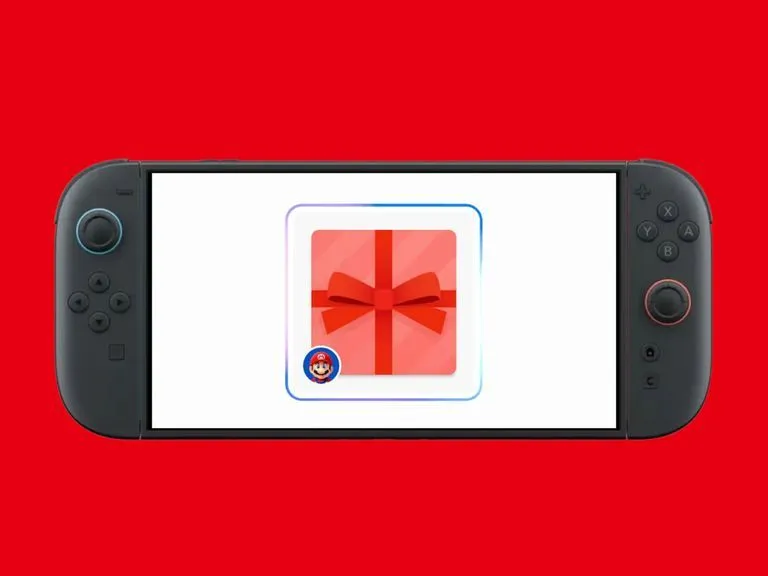

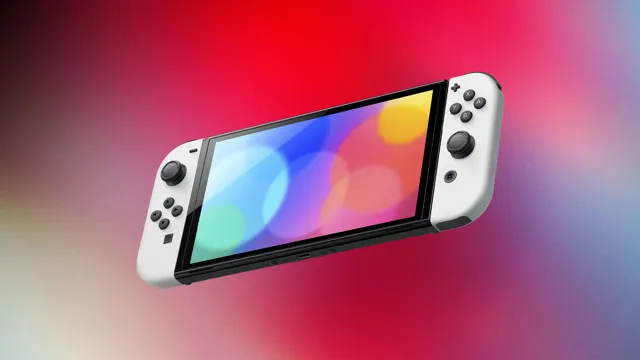
Nintendo has released an update for the Switch and Switch 2 to support gifting eShop products, but there’s a catch.
Ver. 23.5.0 adds support for gifting Nintendo eShop products to members in your Nintendo Account family group only (up to eight total). That means you can’t simply gift games to people on your friends list, as other gaming platforms such as Steam do.
But it’s a start! And this being the family friendly Nintendo, it probably shouldn’t come as a surprise to see the company take a baby steps approach to gifting. In the patch notes, below, Nintendo confirmed that the gifting feature will be available after a Nintendo eShop update scheduled for November 17, so it’s not live yet.
But the English page for the gifting feature is live, and it confirms how it will work. It only includes “eligible” games as well as DLC and upgrade packs. Nintendo itself said some products may not be eligible for digital gifting. Also worth noting, supervised accounts are not able to send digital gifts, and the number of digital gift purchases allowed in a given period is limited.
Here’s the step-by-step guide to Nintendo Switch gifting, per Nintendo:
Visit Nintendo eShop on your device and find the game you’d like to give as a gift.
From the product page, select the Give as a Gift checkbox, then proceed to purchase.
Select the gift recipient from the list of members of your family group. You’ll also be able to select which of their linked systems to send the gift to.
After selecting your gift wrap color and other options, you’ll complete the purchase as usual.
Please note that gifts are sent to your recipient immediately, so be sure you’re ready!
Meanwhile, Ver. 23.5.0 makes “general adjustments and fixes were made to improve the user experience,” but Nintendo didn’t go into specifics.
Nintendo Switch and Switch 2 Ver. 23.5.0 patch notes: