

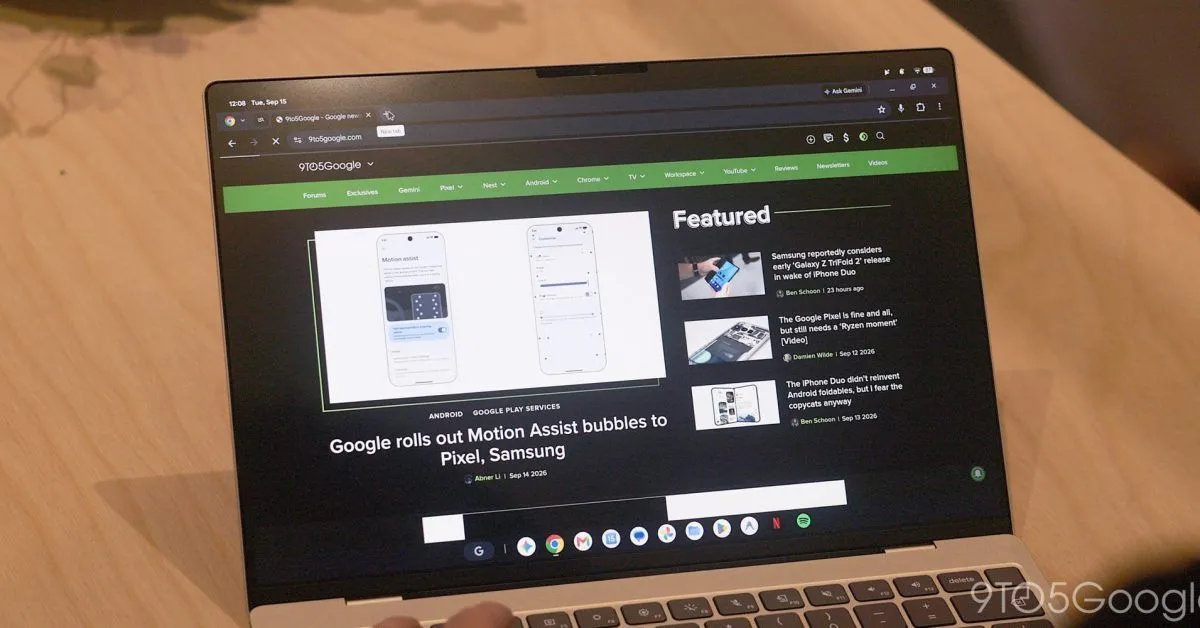
Chrome 157 widely rolled out last week, and Google is now sharing the extensive changelog for Googlebook OS.
There are five new features for the browser in version 157:
Auto-Expand Vertical Tabs on Hover: Hovering over a collapsed vertical tab rail with a mouse or trackpad now temporarily expands it as an overlay so you can read full tab titles, switch tabs, or manage groups, and retracts when you move your cursor away. This is enabled by default and can be toggled off or on in Settings > Appearance > Tab position > “Auto expand tabs on hover” or by right-clicking the vertical tab rail.
Resizable Vertical Tab Bar: You can now manually resize the vertical tab bar to view longer page titles without truncation, and Chrome remembers your custom width across browser restarts and new windows (supported when “Auto expand tabs on hover” is turned off).
Direct URLs and Back/Forward History for Settings: Individual Chrome Settings subpages now have direct web addresses (such as chrome://settings/appearance or chrome://settings/privacy) that you can type, bookmark, or link to directly. Navigating between Settings subpages also works with Chrome’s Back and Forward buttons.
Tab Sharing Controls Bar: When sharing a browser tab in video calls (such as Google Meet), Chrome now displays a persistent control bar at the top of the window to “Stop sharing” or “Share this tab instead” from any tab.
“Save As” System File Dialog: The system “Save As” file picker is now enabled by default for explicit menu save actions (such as “Save link as…”, “Save image as…”, and “Save page as…”), letting you rename files and choose a destination folder, including Google Drive or external storage.
This is followed by 22 improvements, especially for the Bookmarks Bar, Vertical Tabs, and Address Bar. Of note is the “standard desktop text-editing menu” when right-clicking the address bar.