
After ending Samsung Gallery's Microsoft OneDrive integration last month, Samsung has announced that it is replacing it with Google Photos sync. Although the feature began rolling out to select Galaxy phones and tablets running One UI 9.0 a few weeks ago, Samsung has made it official today.
Samsung Gallery officially gains Google Photos integration
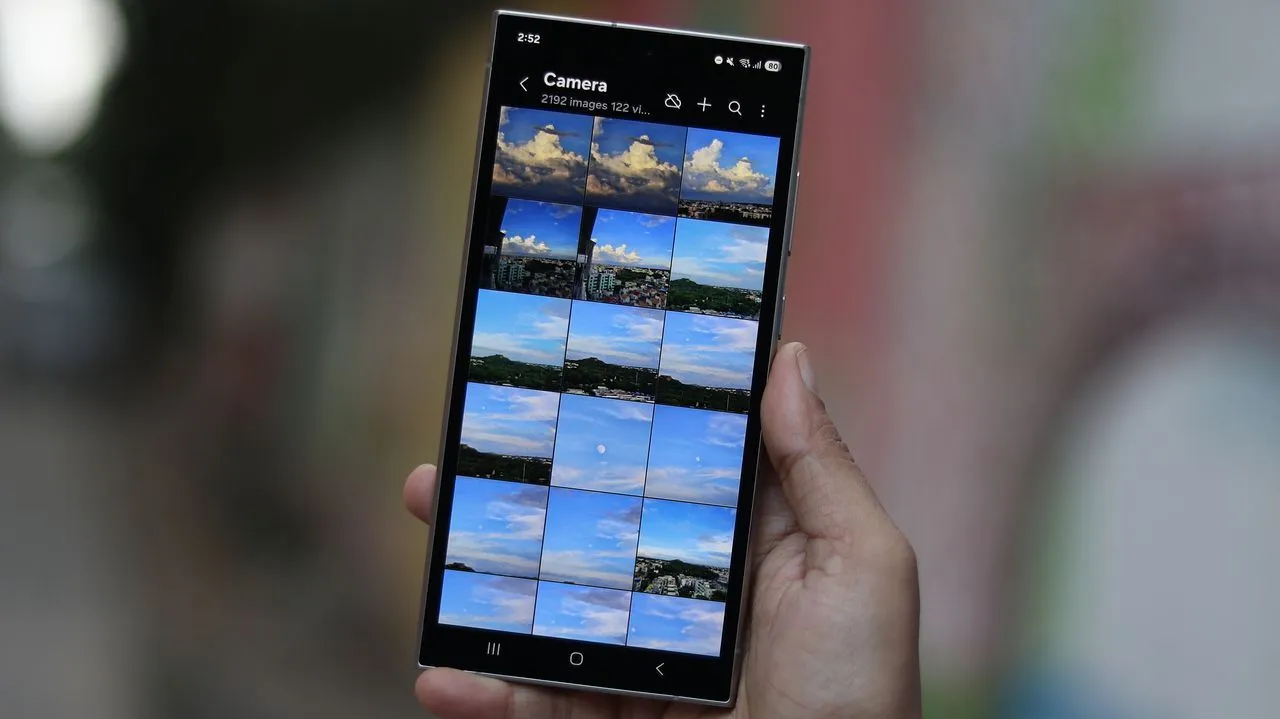
The Samsung Gallery app now natively syncs photos and videos across supported Galaxy phones and tablets without requiring a separate cloud account, thanks to Google Photos integration. To use the feature, you simply need to sign into your Samsung and Google accounts on each of your Galaxy devices.
The rollout has started for select Galaxy devices running One UI 9.0 and will expand to additional models in a phased manner, based on regional availability and qualifying devices.
Samsung
You can click here to learn how to activate this feature on your Galaxy phone and tablet.
How to free up space after syncing photos and videos to Google Photos?
Once your photos and videos are backed up, a new “Free up space” feature lets you remove original files from your device to reclaim internal storage. You can browse thumbnails in Samsung Gallery, with full-resolution files downloaded to your device only when you open them.
This feature uses your existing Google account storage allowance (shared across Gmail, Google Drive, and Google Photos) without adding extra space.
Samsung
Synced photos and videos can be accessed across your devices. For example, photos and videos captured on your Galaxy phone automatically show up as previews in the Gallery app on your Galaxy tablet.
Keep in mind that only files synchronized through Samsung Gallery after enabling the feature will appear in the app. Any photos and videos already stored in your Google cloud storage will not automatically show up in Samsung Gallery.